Queue Management Systems in 2026: How Smart Queuing Transforms Customer Flow
A modern queue management system is no longer a ticket dispenser bolted to a wall. In 2026 it is an intelligent layer that connects front-desk hardware, mobile apps, digital signage, and back-office analytics into one coordinated flow. Banks, clinics, telecom stores, and government offices all rely on smart queuing to cut wait times, reduce walkaways, and gather data that improves staffing decisions. This guide explains how these systems work, what to look for, and how they tie into broader business technology.
The stakes are high. Long lines quietly erode revenue and reputation, and customers now expect the same frictionless experience in person that they get online. A well-designed queue management system closes that gap by making waiting predictable, transparent, and often invisible.
What Is a Queue Management System and How Does It Work?
At its core, a queue management system organizes the order in which customers are served and communicates that order clearly. A typical deployment includes a check-in point (kiosk, tablet, or QR code), a central server that assigns tickets and routes them to counters, and displays that announce the next customer.
The workflow usually runs like this:
- A visitor selects a service and receives a virtual ticket.
- The system places that ticket into the correct queue based on service type and priority.
- Available staff call the next ticket, and signage plus audio guide the customer forward.
- Every interaction is timestamped, feeding real-time dashboards.
Businesses expanding across the Gulf frequently pair queuing with related infrastructure. Organizations seeking a queue management system in saudi arabia often bundle it with VoIP, signage, and network hardware to create one connected customer-experience platform.
Core Benefits for Businesses in 2026
Smart queuing delivers measurable returns. The most commonly reported gains include:
- Shorter perceived waits — customers who can sit, roam, or track status on a phone feel less frustrated.
- Higher throughput — routing customers to the right counter reduces bottlenecks.
- Better staffing — historical data reveals peak hours so managers schedule accurately.
- Fewer walkaways — transparent wait estimates keep people from leaving.
Comparing Queue Management Approaches
Different environments call for different queuing models. The table contrasts the main types.
| Approach | Best For | Customer Waits | Data Depth |
|---|---|---|---|
| Linear ticket queue | Banks, telecom stores | Seated in branch | High |
| Virtual / mobile queue | Retail, clinics | Anywhere, tracked by phone | Very high |
| Appointment-based | Government, healthcare | Scheduled slot | Medium |
| Drive-thru queue | QSR, pharmacies | In vehicle | High |
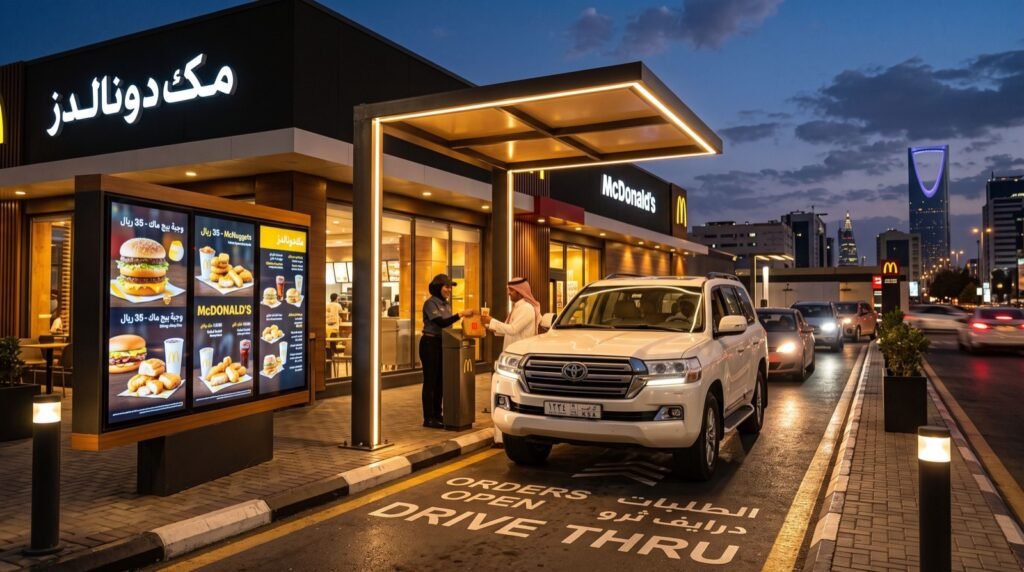
Drive-thru queuing deserves special attention because it blends physical lane sensors with the same digital backbone. Deployments using Drive-thru Systems in Saudi Arabia combine order confirmation screens, intercom audio, and lane timing analytics to keep vehicle lines moving efficiently.
How Do You Choose the Right Queue Management System?
Selecting a platform means weighing several practical factors rather than chasing the longest feature list.
Match It to Your Traffic Pattern
High-volume walk-in branches benefit from linear ticketing, while businesses with unpredictable spikes gain more from virtual queues that let customers wait remotely.
Insist on Real Analytics
The reporting layer is where long-term value lives. Look for dashboards that track average wait, service time per agent, and abandonment rate.
Check Integration Options
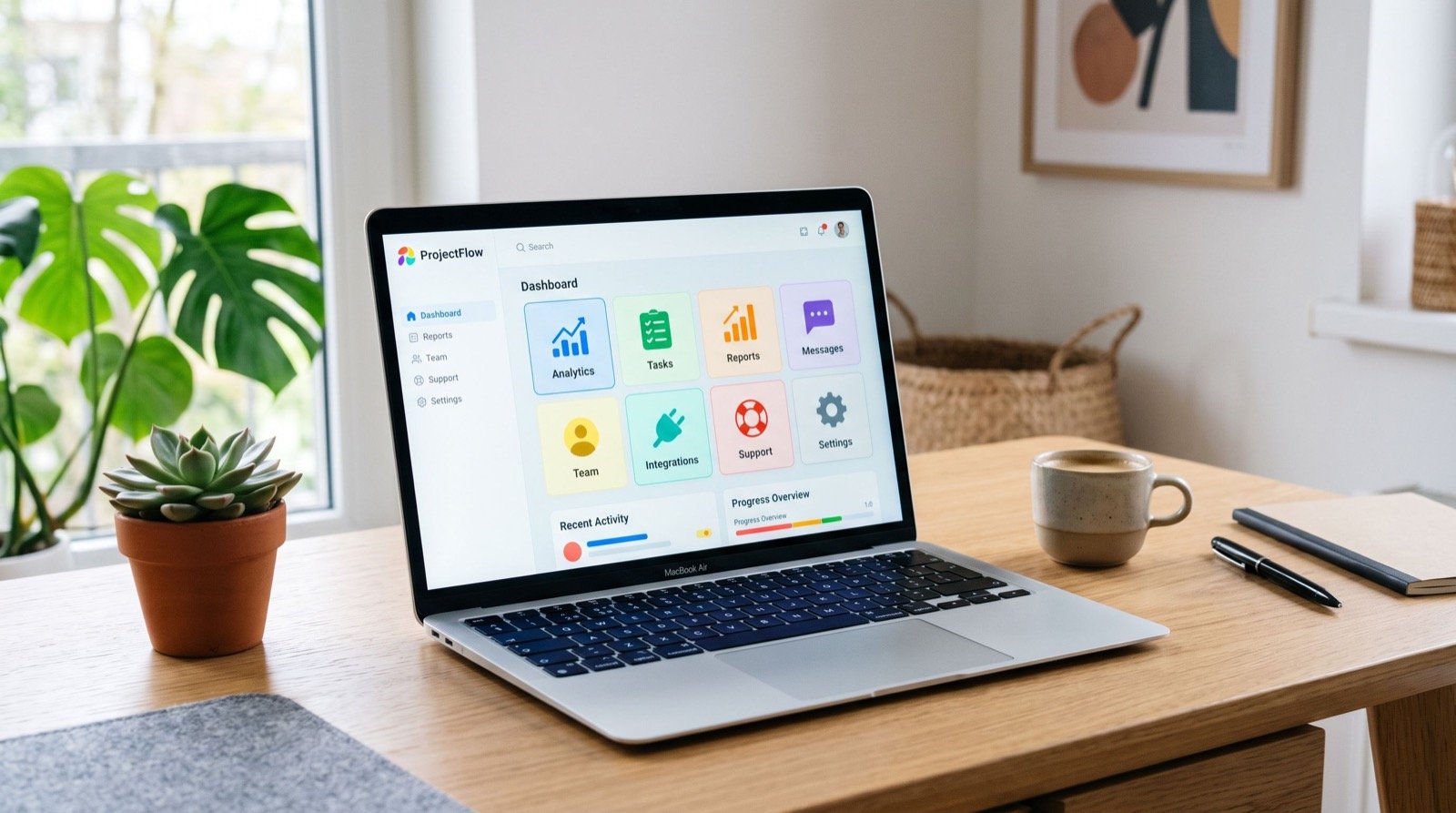
A queue system should talk to your CRM, signage, and telephony. Open APIs prevent vendor lock-in and let you connect existing tools.
A practical tip from real rollouts: pilot the system on your busiest single counter before scaling branch-wide. One week of live data at your worst bottleneck reveals more about vendor fit than any demo. When you are ready to expand, partnering with reliable local experts ensures the hardware, network, and software all cooperate.
Queue Management as Part of a Wider Technology Stack
The best results come when queuing does not stand alone. Integrated deployments connect:
- VoIP phones so agents can call for supervisor help instantly.
- Digital signage that shifts between marketing and queue status.
- Feedback terminals that capture satisfaction right after service.
Industry analysis consistently links reduced wait times to higher customer loyalty. The Harvard Business Review has documented how the psychology of waiting shapes satisfaction, a principle every queue design should respect; their overview at Harvard Business Review underscores why perceived wait matters as much as actual wait.
Implementation Roadmap: From Pilot to Full Rollout
Successful queue projects follow a disciplined sequence rather than a big-bang launch. Rushing a branch-wide deployment usually creates confusion for both staff and customers. A phased approach protects the customer experience while you learn.
A proven rollout looks like this:
- Discovery — map current customer journeys and identify the worst bottlenecks.
- Pilot — deploy at one busy branch and gather two to three weeks of live data.
- Tune — adjust routing rules, counter assignments, and signage messaging.
- Train — coach agents on the console and prepare floor staff to guide visitors.
- Scale — roll out branch by branch, carrying lessons from the pilot forward.
Change management is often underestimated. Frontline staff adopt new tools faster when they understand how queuing reduces their own stress, not just customer wait time. Involving a few respected agents early creates internal champions who ease the transition for everyone else.
Trends Shaping Queue Management in 2026
The category keeps evolving, and several trends are worth watching as you plan a future-proof deployment:
- AI-driven forecasting — systems predict rushes and prompt managers to open counters before lines form.
- Contactless check-in — QR and app-based entry remain popular after the shift toward touch-free interactions.
- Omnichannel queuing — customers move between online booking, mobile queue, and in-branch service seamlessly.
- Deeper analytics — dashboards now link wait data directly to satisfaction and revenue outcomes.
Businesses that treat queuing as part of a connected customer-experience platform, rather than a standalone gadget, extract the most value from these advances.
Frequently Asked Questions
What is a queue management system used for?
It organizes and directs the flow of customers so they are served in a fair, efficient order. It reduces wait times, balances staff workload, and collects data that helps managers improve service.
Can a queue management system work with mobile phones?
Yes. Virtual queuing lets customers join a line by scanning a QR code or tapping a link. They then wait anywhere and receive an alert when their turn approaches.
How much does a queue management system cost?
Cost varies with hardware, number of counters, and software licensing. Cloud-based virtual queues can start small, while full multi-branch deployments with kiosks and signage represent a larger investment that typically pays back through improved throughput.
Does queue management help drive-thru operations?
Definitely. Drive-thru queue systems use lane sensors, confirmation screens, and timing analytics to keep vehicles moving and to identify where delays build up during peak hours.
Conclusion
A well-chosen queue management system turns waiting from a liability into a competitive advantage in 2026. By matching the queuing model to your traffic, insisting on genuine analytics, and integrating queuing with your wider communication stack, you shorten waits, lift satisfaction, and make smarter staffing calls. Whether you run a branch network, a clinic, or a busy drive-thru, smart queuing pays for itself.
Want to design a queuing setup that fits your space and traffic? Reach out to an experienced technology partner and build a customer flow your visitors will actually enjoy.